No-Code Crazy Games Data Extraction to Excel
Crazy Games is an online game website that provides various types of free online games, including 3D shooting games, puzzle games, etc.
Introduction to the scraping tool
ScrapeStorm is a new generation of Web Scraping Tool based on artificial intelligence technology. It is better suited for users who want to get results quickly. Its biggest advantage is the truly no-code experience: fields can be detected visually, configured directly on the page, and adjusted without writing selectors or scripts. It also provides seamless data delivery, allowing scraped results to be exported directly to Excel, CSV, databases, and other destinations. For large-scale scraping, ScrapeStorm’s local execution model also helps keep costs fixed and predictable, instead of increasing with usage volume or task runtime.
Preview of the scraped result
Export to Excel:
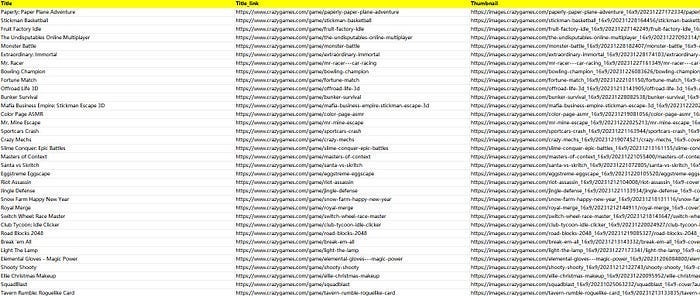
This is the demo task:
https://drive.google.com/file/d/1jKV5NZXtwvIA-ea0G_07fc39a7oRVIgH/view?usp=sharing
1. Create a task
(1) Copy the URL
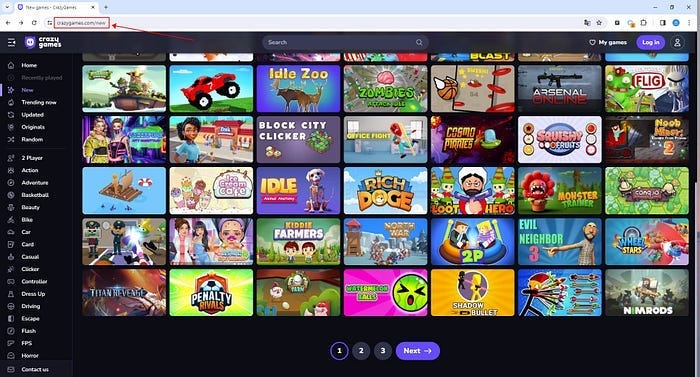
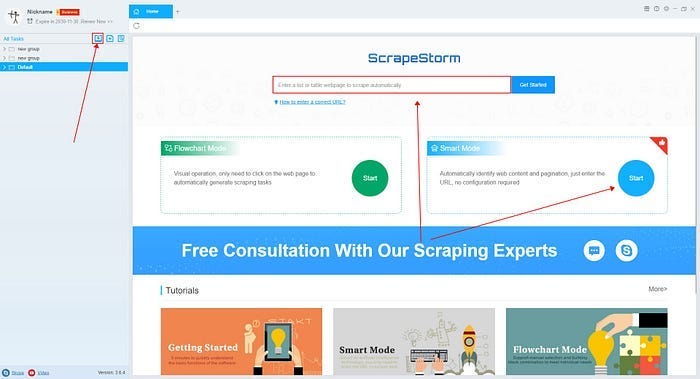
(2) Create a new smart mode task
You can create a new scraping task directly on the software, or you can create a task by importing rules.
How to create a smart mode task
How to import and export scraping task
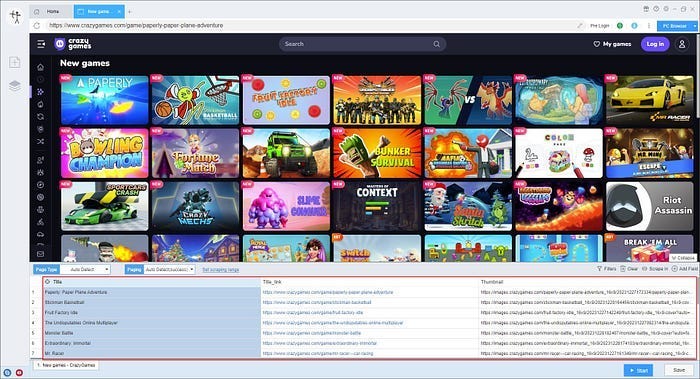
2. Configure the scraping rules
Smart mode automatically detects the fields on the page. You can right-click the field to rename the name, add or delete fields, modify data, and so on.
3. Set up and start the scraping task
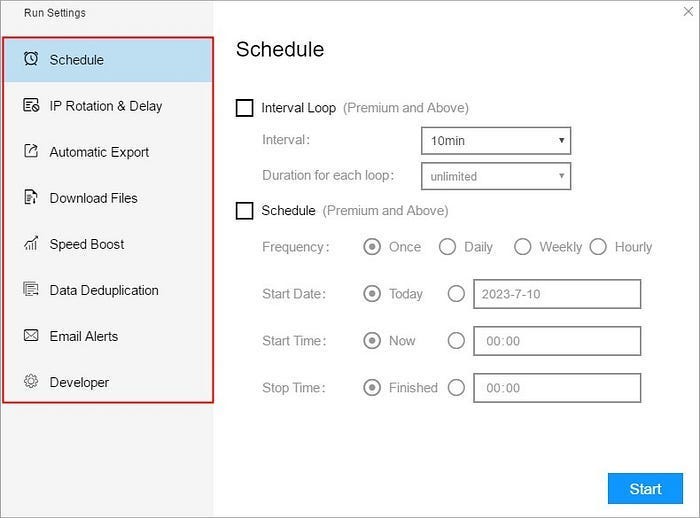
(1) Run settings
Choose your own needs, you can set Schedule, IP Rotation&Delay, Automatic Export, Download Images, Speed Boost, Data Deduplication and Developer.
How to configure the scraping task
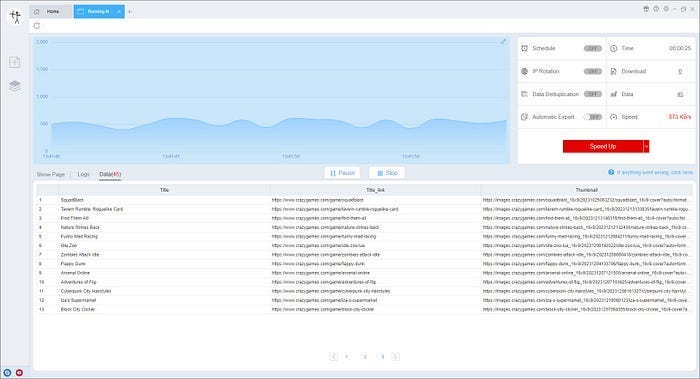
(2)Wait a moment, you will see the data being scraped.


评论
发表评论