No-Code TKMaxx Web Scraping: Extract Product Data with ScrapeStorm
Introduction to the scraping tool
ScrapeStorm is a new generation of Web Scraping Tool based on artificial intelligence technology. It is the first scraper to support both Windows, Mac and Linux operating systems.
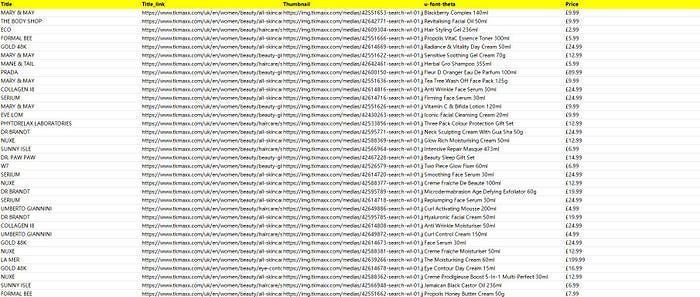
Preview of the scraped result
Export to Excel:
1. Create a task
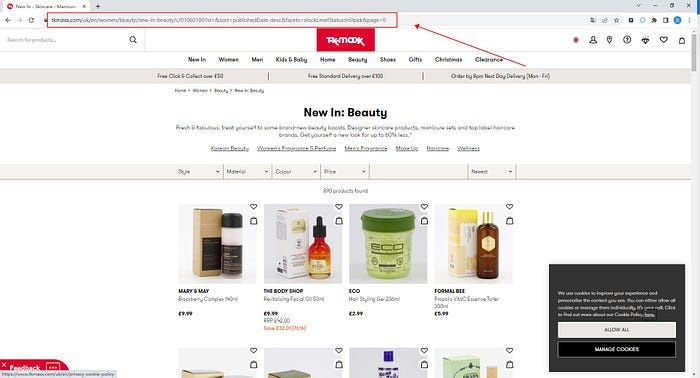
(1) Copy the URL
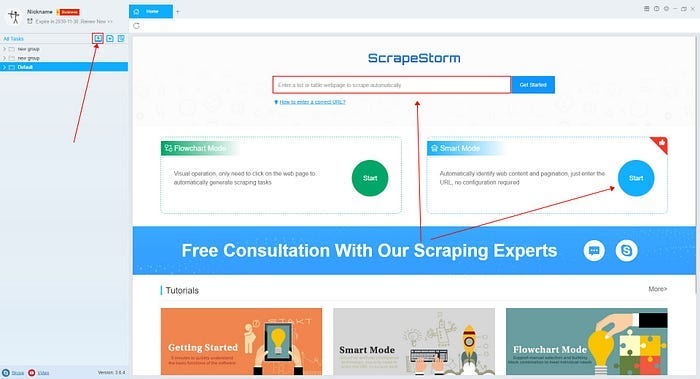
(2) Create a new smart mode task
You can create a new scraping task directly on the software, or you can create a task by importing rules.
2. Configure the scraping rules
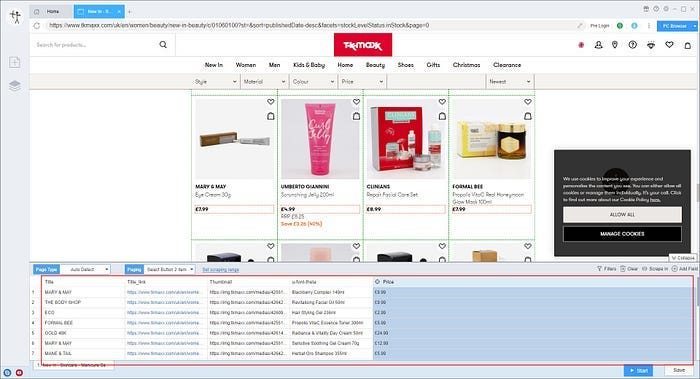
Smart mode automatically detects the fields on the page. You can right-click the field to rename the name, add or delete fields, modify data, and so on.
3. Set up and start the scraping task
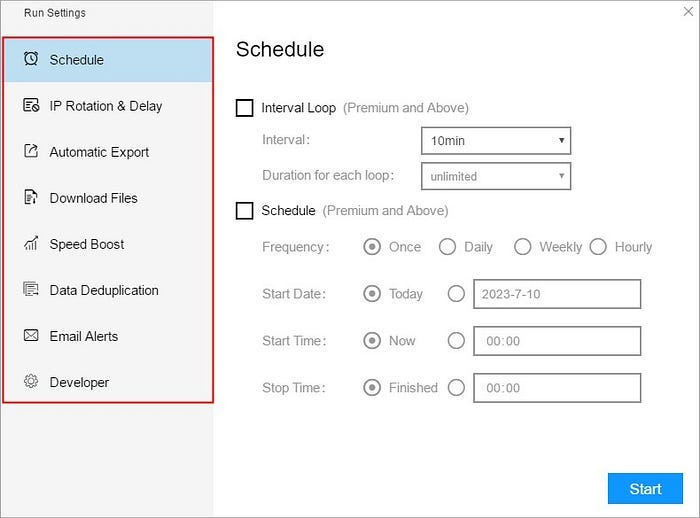
(1) Run settings
Choose your own needs, you can set Schedule, IP Rotation&Delay, Automatic Export, Download Images, Speed Boost, Data Deduplication and Developer.
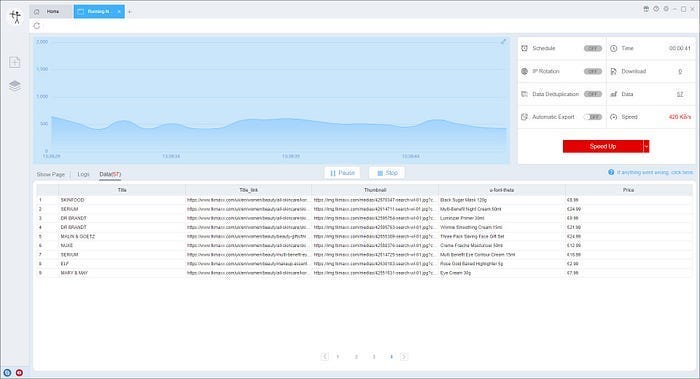
(2)Wait a moment, you will see the data being scraped.


评论
发表评论